Your notes, but make it a magazine.
Markazine opens the plain .md files you already have and lays them out like magazine pages, with covers, headlines, drop caps, pull quotes and columns. Not a character on disk changes until you edit.
Free. Apple Silicon and Intel Macs, Windows 10 and 11. Source on GitHub.
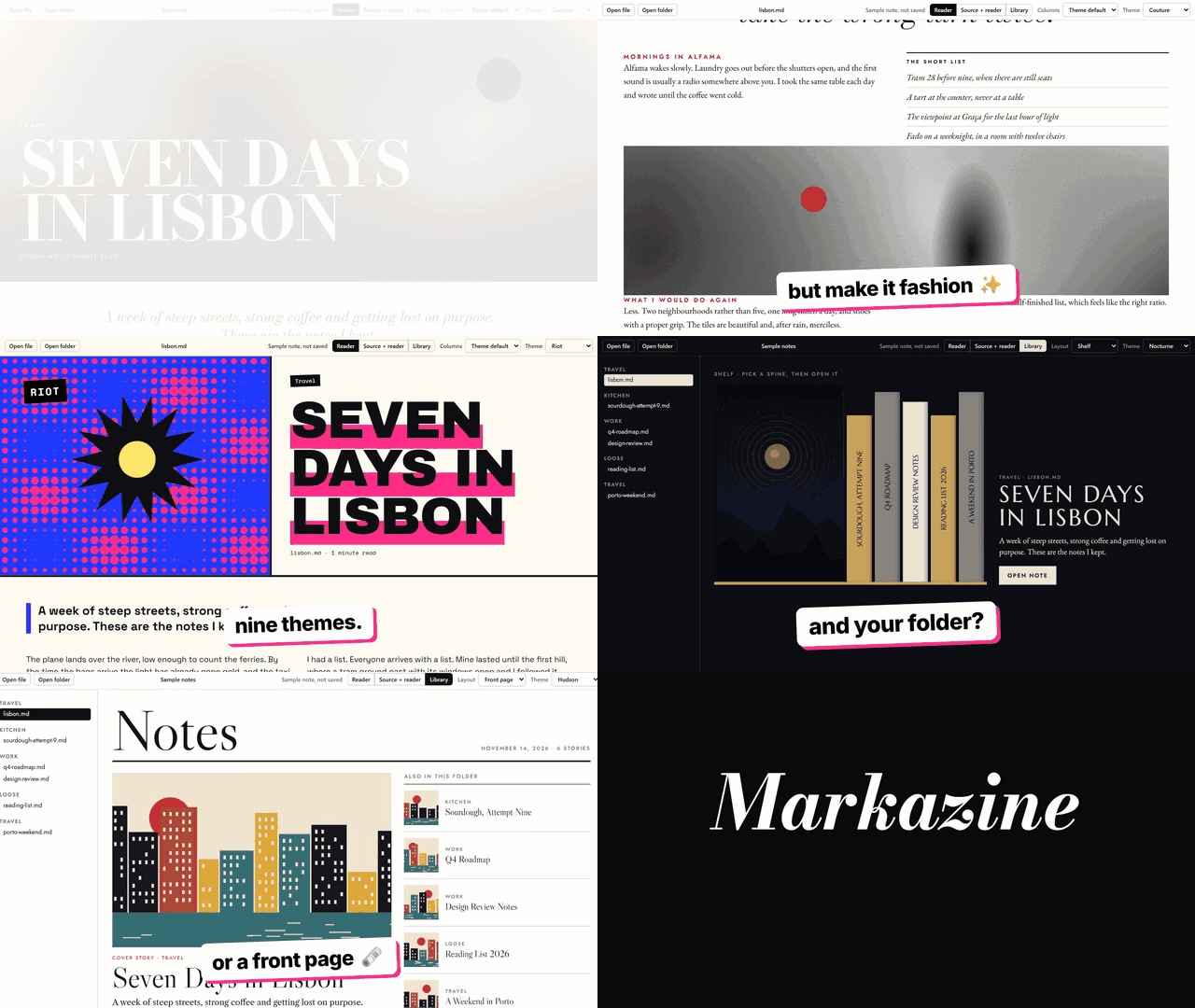
One note, nine magazines.
Every theme brings its own typefaces, palette, layout and picture style. Same Lisbon travel note in all nine, straight from the app. Pick a masthead.
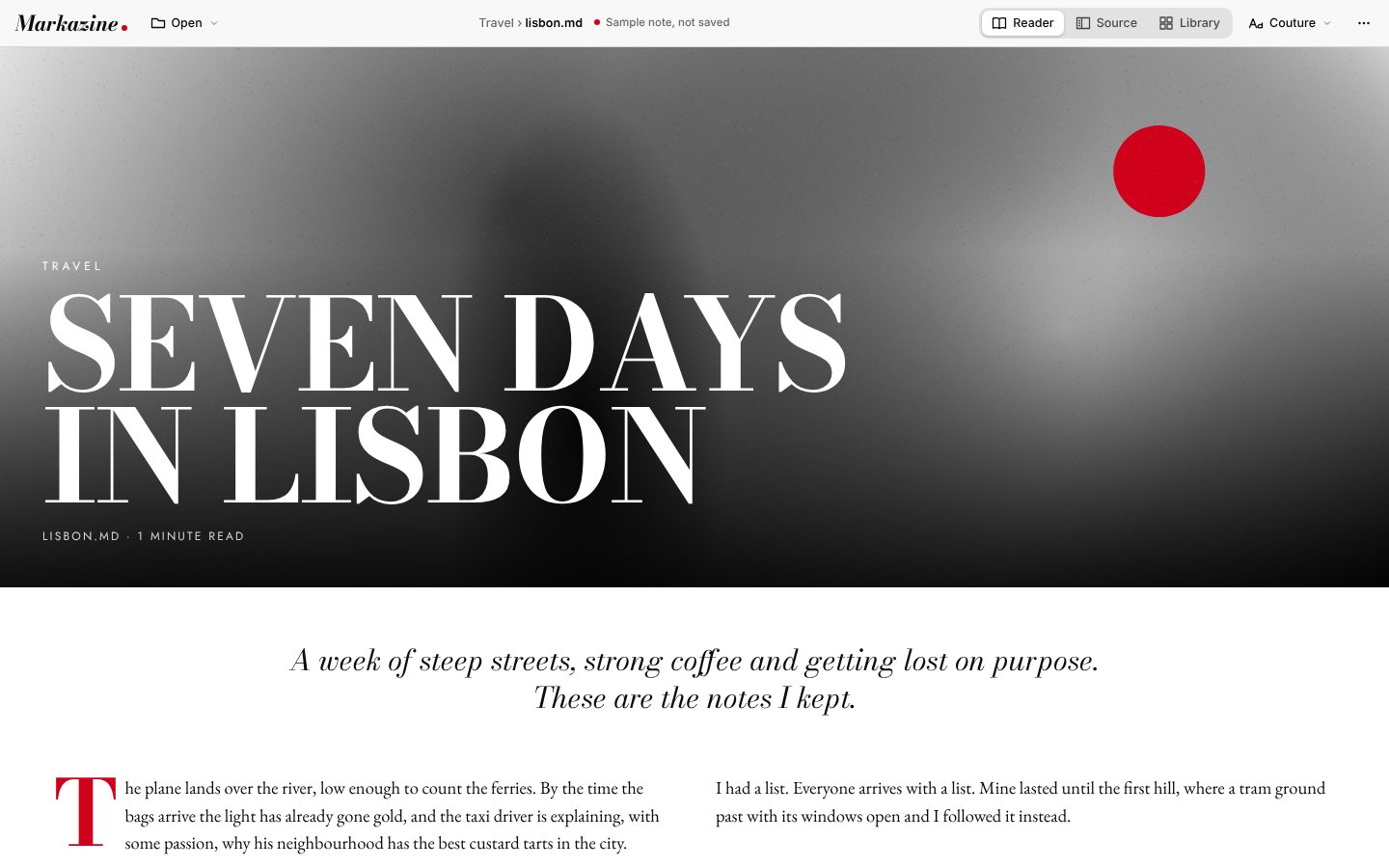
Edit where you read.
Click any paragraph on the page to edit its markdown in place, or open the source pane beside the magazine and watch both update together. Changes save on their own.
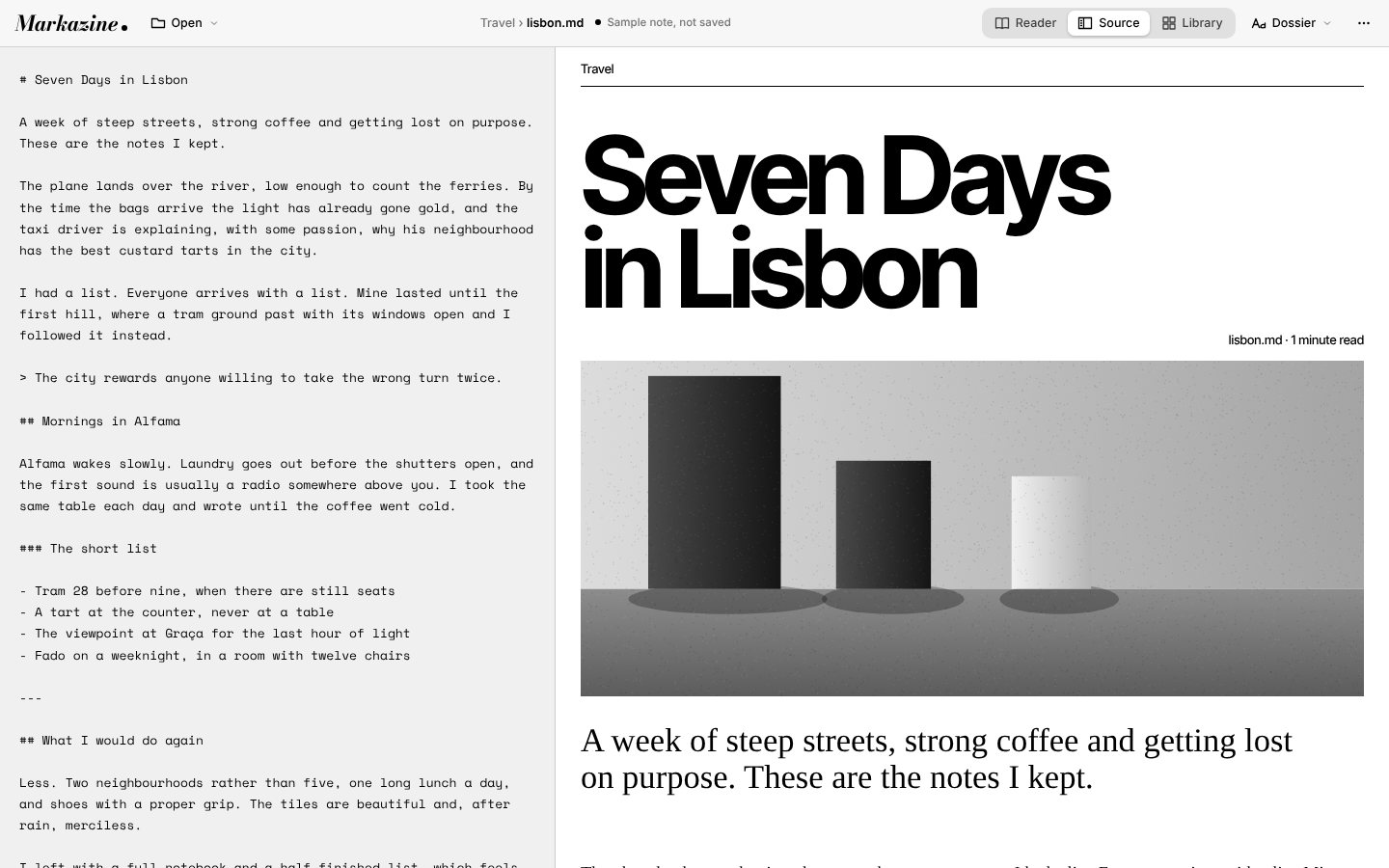
A folder becomes a library.
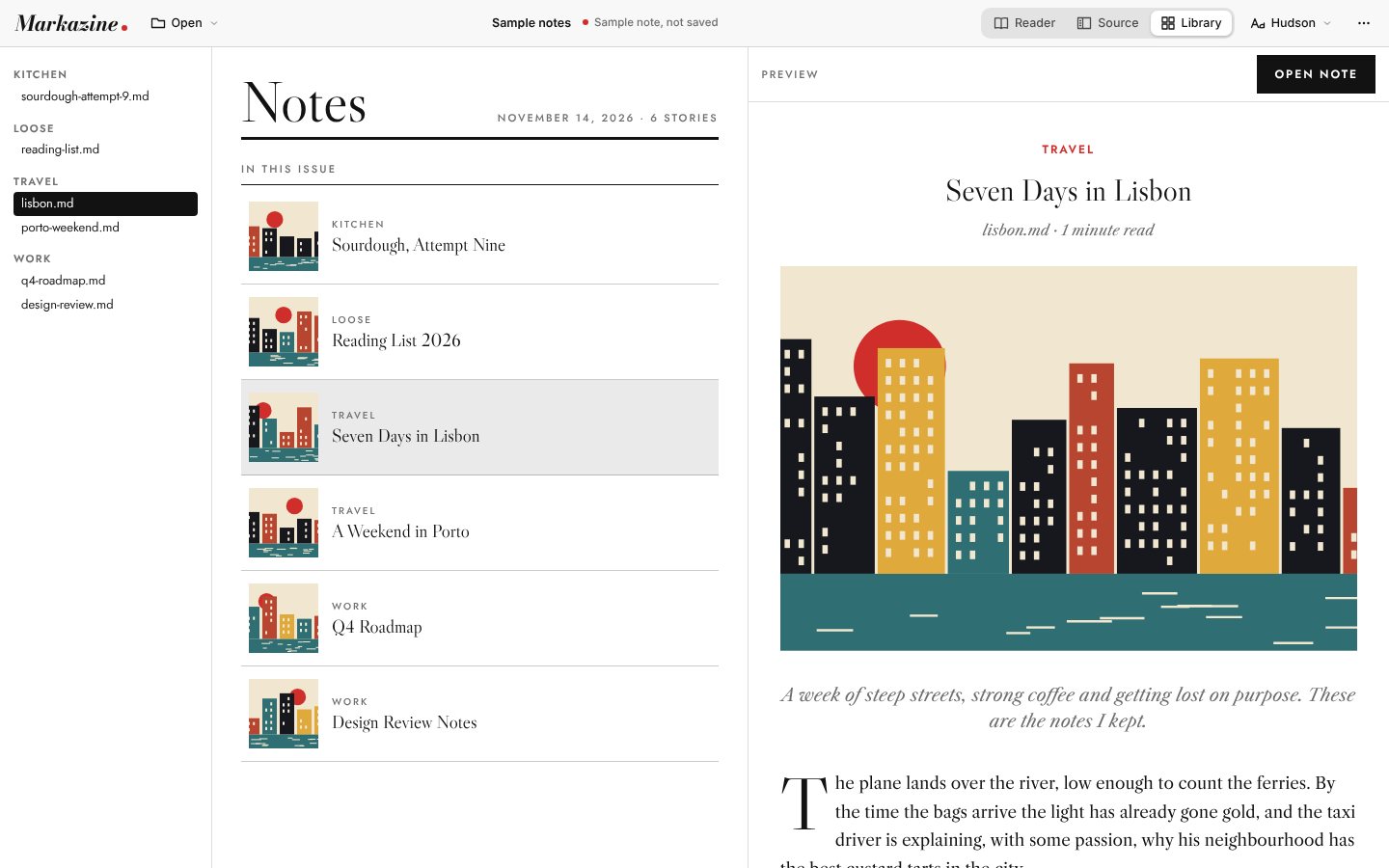
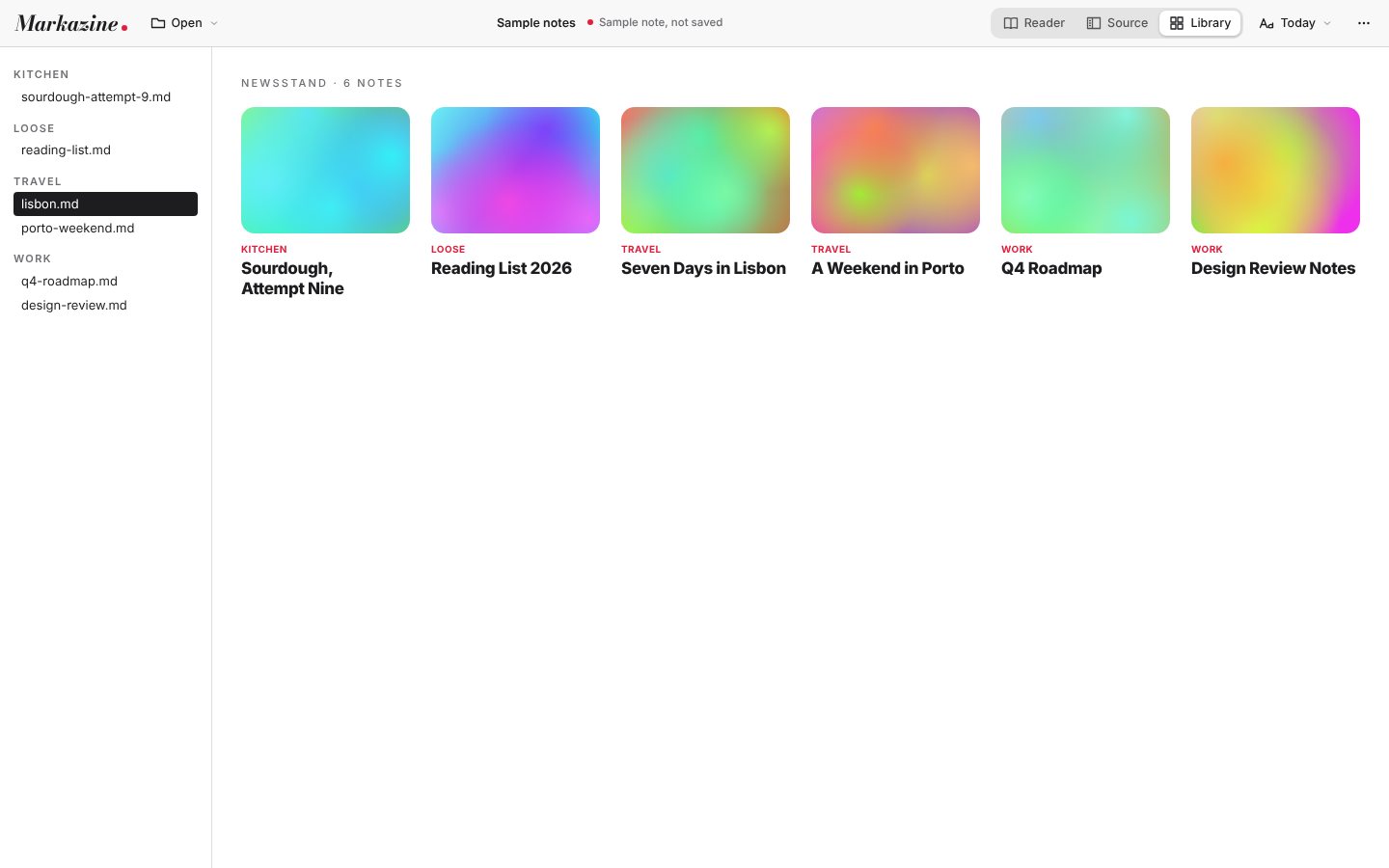
Open a whole folder of notes and Markazine sorts it by subfolder into sections, then shows it three ways. Pick a note to preview it beside the list.
Thirty seconds, with sound.
A plain markdown file goes in. A magazine comes out.
Music: "Funkorama" by Kevin MacLeod (incompetech.com), licensed under Creative Commons BY 4.0. Voiceover generated with ElevenLabs.
In this issue.
Everything Markazine does, in short.
- Open a file or a folderDouble-click one note for a quick read, or open a folder and browse it as a library.
- Nine themesCouture, Atelier, Riot, Broadsheet, Nocturne, Hudson, Portrait, Today and Dossier.
- Columns and spacingOne, two or three columns, with compact, regular or airy spacing. Notes full of tables and code get a more open layout.
- Pictures, alwaysThe first image in a note becomes its cover. Notes without one get art drawn to match the theme, and it never touches your files.
- Edit in placeWrite on the page or in the source pane beside it. Changes save automatically.
- Recent filesThe Open menu remembers the last ten files and folders.
- Works offlineFonts are bundled and your notes never leave your computer.
- Update checkAsk GitHub whether a newer version is out, straight from the menu.
Free. Offline. Still your files.
Both links open the latest release on GitHub. Prefer to build it yourself? You need Node.js 22 and Rust; the README has the three commands.
| macOS, Apple Silicon and Intel | Download Markazine_x.y.z_universal.dmg and drag the app to Applications. The first time, right-click it and choose Open, then Open again. If macOS still refuses, run xattr -cr /Applications/Markazine.app once in Terminal. |
|---|---|
| Windows 10 and 11 | Download Markazine_x.y.z_x64-setup.exe, or the .msi. If SmartScreen says "Windows protected your PC", choose More info, then Run anyway. |
| Why the warning? | The installers aren't code-signed yet. The app itself only reads and writes the notes you open. |
Questions, answered.
Is Markazine free?
Yes. It's free for macOS and Windows, with no account and no subscription. The source code is on GitHub.
Will it change my markdown files?
No. Markazine reads your plain .md files and lays them out on screen. Nothing on disk changes until you edit a note yourself, and the cover art it draws for notes without pictures is never written into your files.
Does it work offline?
Yes. Fonts are bundled and nothing leaves your computer. The only time it goes online is when you ask it to check GitHub for a newer version.
Which systems does it run on?
Windows 10 and 11 (64-bit), and macOS on Apple Silicon and Intel Macs.
Can I edit notes in it?
Yes. Click any text on the page to edit its markdown, or open the source pane with Ctrl+E (⌘E on a Mac). Press Esc or Enter to finish a block. Changes save automatically.
Can it open a whole folder?
Yes. Open a folder and you get a library grouped by subfolder, shown as a shelf of spines, a front page or a newsstand of covers.
Why does my computer warn me the first time?
The installers aren't code-signed yet. On Windows choose More info, then Run anyway. On a Mac, right-click the app and choose Open.